
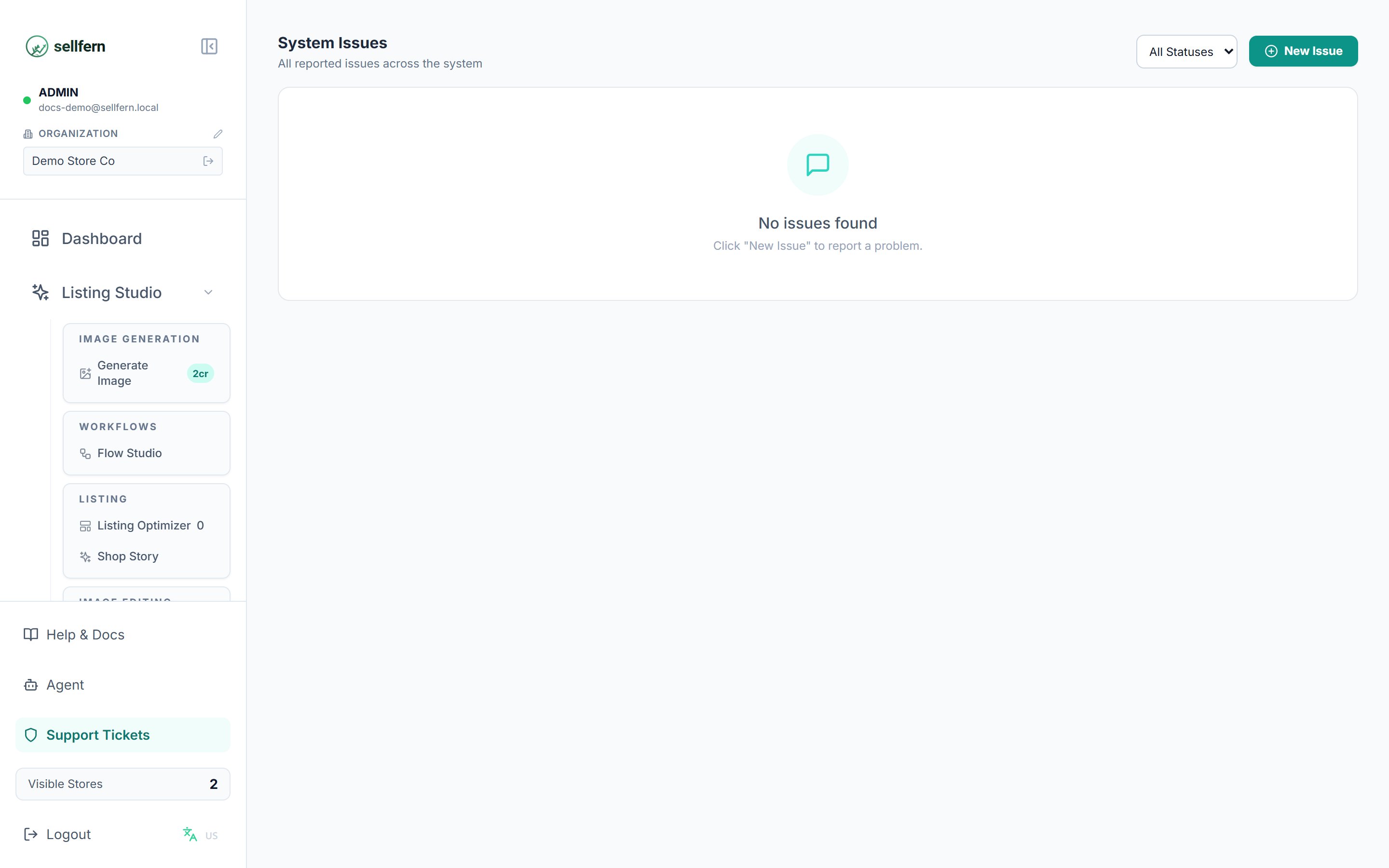
The Support Tickets page — ticket list and status filters
Creating a ticket
1
Open Support Tickets
Click Support Tickets at the bottom of the sidebar.
2
Create a new ticket
Click the create button and fill in:
- Title — short, stating the core problem.
- Description — details, including the order ID if it concerns an order.
- Priority — so the assignee knows what to handle first.
3
Follow up and discuss
Every ticket has a comment thread. People involved discuss directly in the ticket instead of external chat, so the full context stays in one place.
Ticket lifecycle
Recommended flow: the assignee moves the ticket to In Progress when starting and to Resolved when done; the creator verifies and Closes it.
Access
Support Tickets is visible to the Manager, Support, and Fulfillment Support roles, or any user granted thetickets page permission in Settings → Users. Admins always have access.