
My Products
Your organization’s listing catalog — titles, descriptions, images, prices, tags, and design links for every SKU you sell.
All Products
The system master catalog — fulfillment-ready blank products from integrated suppliers, with variants, base prices, and shipping fees.
My Products
My Products is where you manage your own listing content. Each product has a SKU, title, rich-text description, price, tags, images, videos, a design link, and the stores/platforms where it is listed.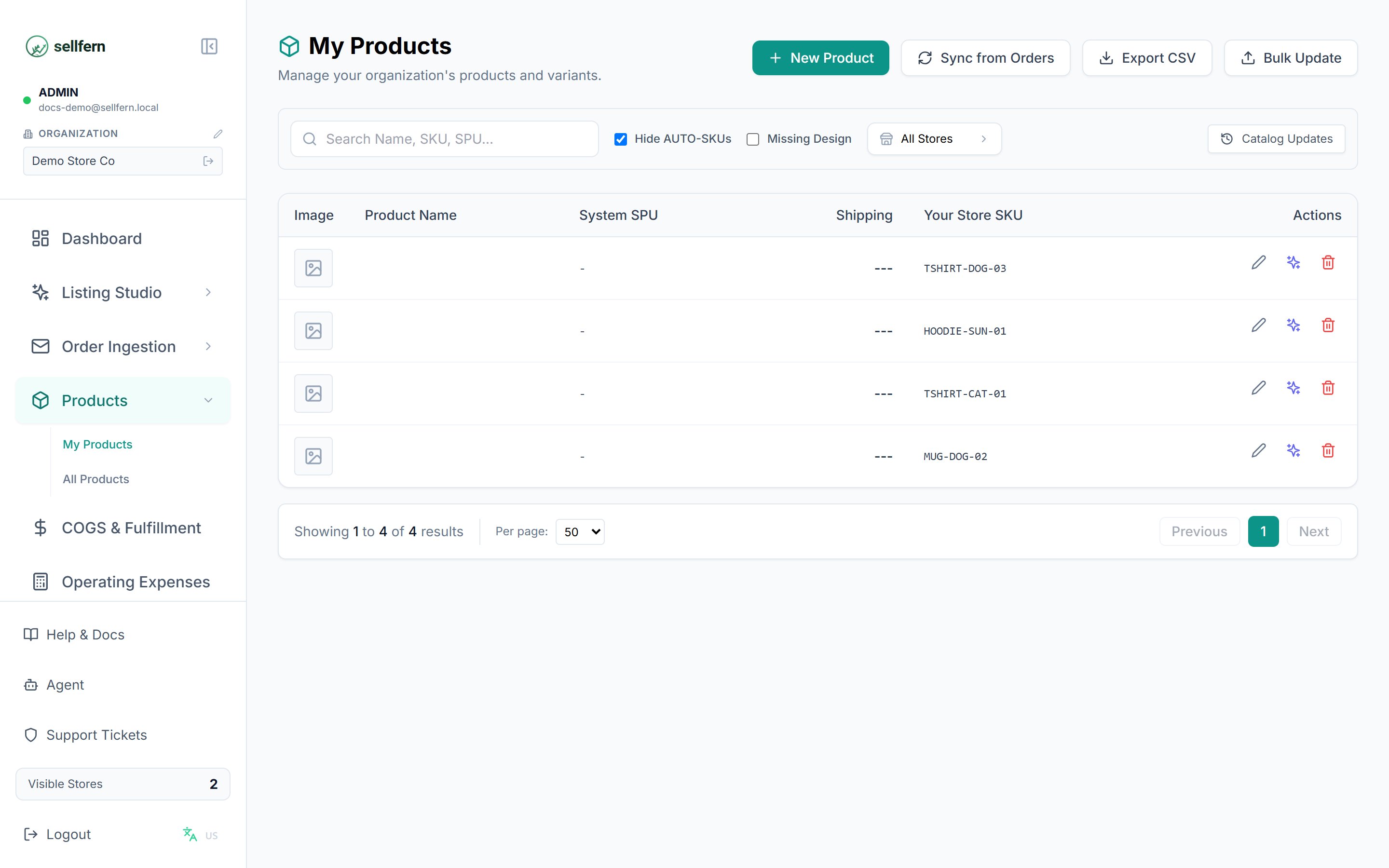
The My Products page with search, filters, and the product list
Finding and filtering products
- Search by SKU or title.
- Store filter — select one or more stores.
- Exclude auto-created products — hide records the system generated automatically from orders (on by default).
- Missing design link — show only products without an artwork URL, so designers know what to fill in.
- The list is paginated (50 products per page by default).
Adding and editing products
1
Create new or open an existing product
Click Add Product to create one, or click a product in the list to open its detail page.
2
Fill in the listing content
Enter the SKU, title, description (supports bold/italic, lists, text color, and more), price, tags, and upload images/videos.
3
Attach a design link
Paste the artwork file URL into the Design Link field. This link is reused during cost assignment in COGS & Fulfillment.
4
Save
Click Save. The product appears in the list immediately and is searchable.
Syncing from your store
The Sync button pulls listings from a connected store into Sellfern:- When listings are new or changed, Sellfern shows a pending updates count.
- Open the sync modal to review each change, compare old and new content, then Apply items individually or Apply All in bulk.
- The sync result shows how many products were added and updated.
Sending to Listing Studio
From a product you can select images and send them straight to Listing Studio tools (Redesign, Remove BG, Upscale, Mockup, and more) without downloading and re-uploading. Generated results can be attached back to the product.Import / Export
- Export the product list to a file for bulk editing in a spreadsheet.
- Import the edited file to update many products at once.
All Products
All Products is the system-managed master catalog — fulfillment-ready blank products imported from integrated suppliers (for example, Printway). Use it to: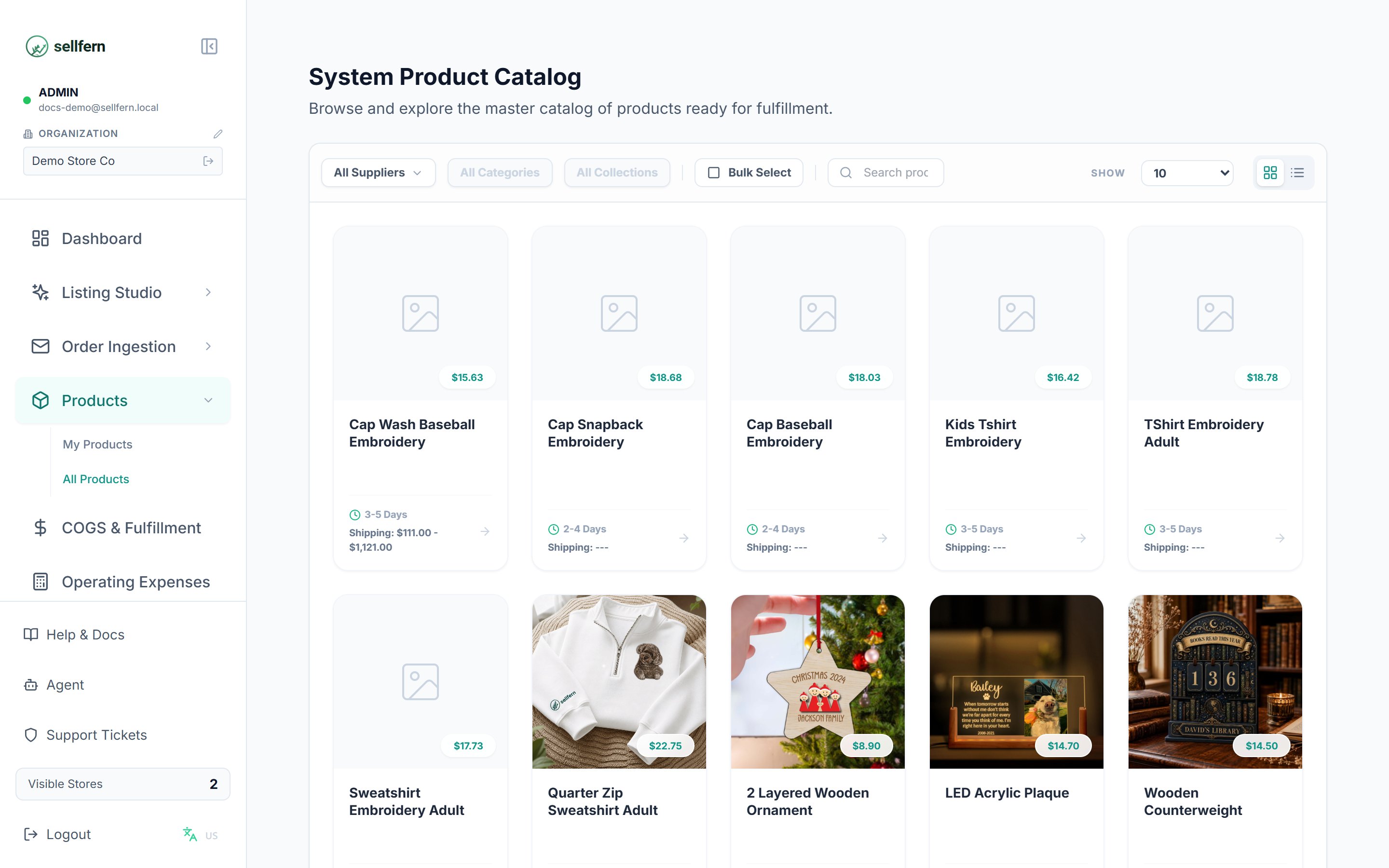
The All Products catalog — browsing fulfillment-ready base products
- Browse and explore products by category, product type, and supplier.
- Open detail pages with full descriptions, mockup galleries, variant tables (size/color), base prices, lead times, and per-region shipping fees.
- Pick a base product for your next listing — knowing costs and production time before you list.