> ## Documentation Index
> Fetch the complete documentation index at: https://docs.sellfern.com/llms.txt
> Use this file to discover all available pages before exploring further.
# Support Tickets
> Create, track, and resolve internal support tickets between team members, fulfillment, and admins.
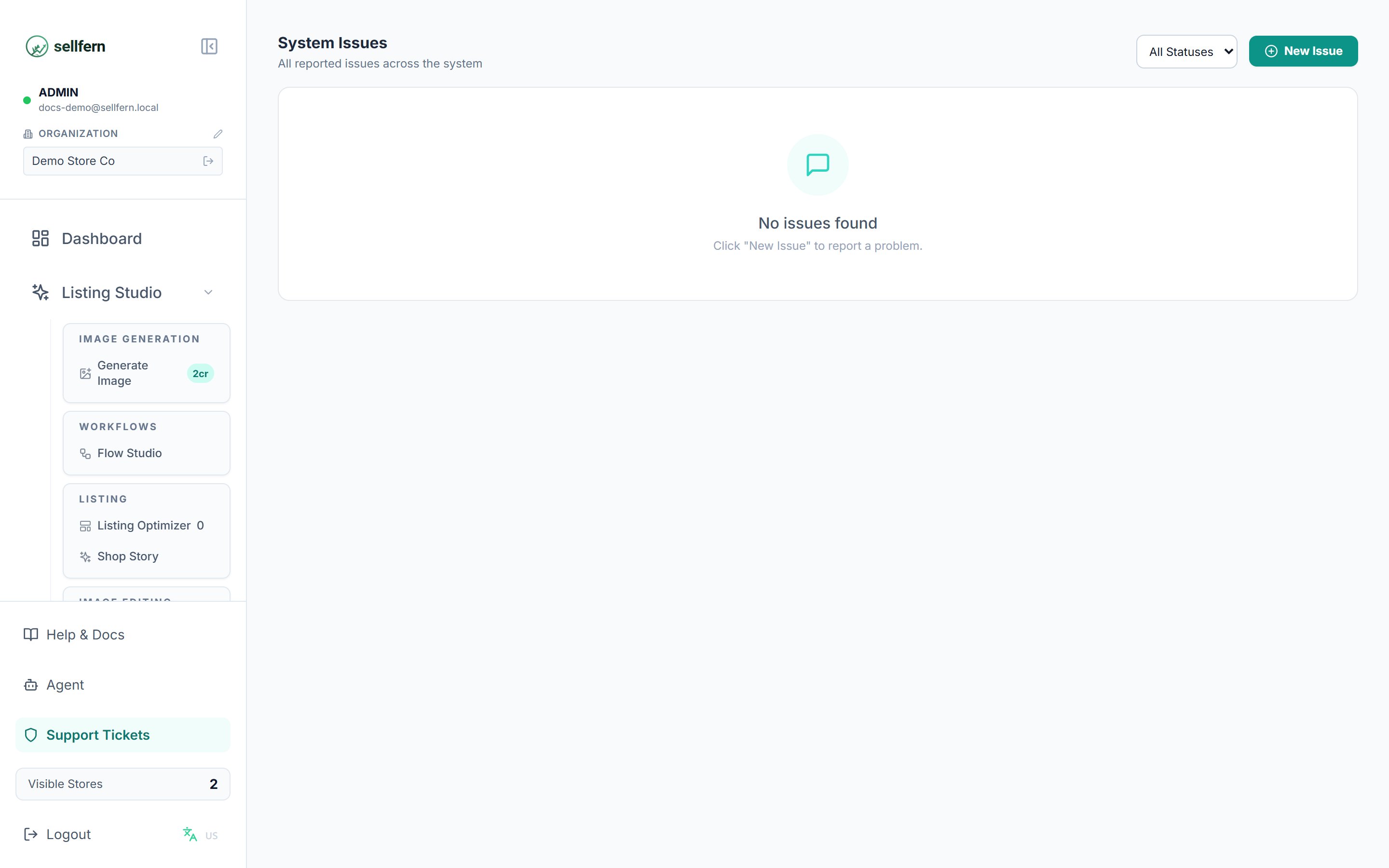
**Support Tickets** (linked at the bottom of the sidebar) is Sellfern's internal ticketing system. Use it when an order has a problem someone else needs to handle — a customer changed their address, a supplier reported a print defect, or an admin needs to fix data.
 ## Creating a ticket
Click **Support Tickets** at the bottom of the sidebar.
Click the create button and fill in:
* **Title** — short, stating the core problem.
* **Description** — details, including the order ID if it concerns an order.
* **Priority** — so the assignee knows what to handle first.
Every ticket has a **comment** thread. People involved discuss directly in the ticket instead of external chat, so the full context stays in one place.
## Ticket lifecycle
| Status | Meaning |
| --------------- | -------------------------------------------- |
| **Open** | Newly created, not yet picked up |
| **In Progress** | Being worked on |
| **Resolved** | Done, awaiting confirmation from the creator |
| **Closed** | Closed |
Recommended flow: the assignee moves the ticket to **In Progress** when starting and to **Resolved** when done; the creator verifies and **Closes** it.
## Access
Support Tickets is visible to the **Manager**, **Support**, and **Fulfillment Support** roles, or any user granted the `tickets` page permission in **Settings → Users**. Admins always have access.
The AI Agent (if enabled for your organization) can create tickets and add comments on your behalf — see [AI Assistant](/features/ai-assistant).
## Creating a ticket
Click **Support Tickets** at the bottom of the sidebar.
Click the create button and fill in:
* **Title** — short, stating the core problem.
* **Description** — details, including the order ID if it concerns an order.
* **Priority** — so the assignee knows what to handle first.
Every ticket has a **comment** thread. People involved discuss directly in the ticket instead of external chat, so the full context stays in one place.
## Ticket lifecycle
| Status | Meaning |
| --------------- | -------------------------------------------- |
| **Open** | Newly created, not yet picked up |
| **In Progress** | Being worked on |
| **Resolved** | Done, awaiting confirmation from the creator |
| **Closed** | Closed |
Recommended flow: the assignee moves the ticket to **In Progress** when starting and to **Resolved** when done; the creator verifies and **Closes** it.
## Access
Support Tickets is visible to the **Manager**, **Support**, and **Fulfillment Support** roles, or any user granted the `tickets` page permission in **Settings → Users**. Admins always have access.
The AI Agent (if enabled for your organization) can create tickets and add comments on your behalf — see [AI Assistant](/features/ai-assistant).